From Click to Doorstep: Operations That Flow with Smart Spreadsheets
Today we explore automating order fulfillment and pick-pack-ship tasks with spreadsheets for small businesses, transforming messy workflows into reliable, scalable routines. Expect practical frameworks, formulas, and floor-proven tips to reduce errors, accelerate shipping, and delight customers without expensive software or complex integrations. Follow along to see how simple sheets become a light, flexible system that grows with demand, keeps teams aligned, and keeps customers informed.
First Principles: Clean Data, Clear Paths
Automation only works when your information is dependable. Start by mapping how orders arrive, how they are verified, and how they move toward shipment. Then convert those handoffs into structured columns with stable headers, clear statuses, and consistent data types. Establish conventions for SKUs, bin locations, and units of measure, and commit to them. When foundations are precise, every formula, filter, and trigger behaves predictably, even on peak days or during unexpected surges.
Formula Power: Let Cells Do the Heavy Lifting
Spreadsheets can assign work, create pick sequences, and reconcile inventory with minimal human intervention. Combine functions like XLOOKUP, INDEX, MATCH, FILTER, SORT, and SUMIFS to prioritize orders, cluster shipments by carrier cutoff, and track remaining stock in real time. When logic lives in formulas rather than memory, teams make fewer mistakes and complete more orders with calm, repeatable speed.





On the Floor: Pick, Pack, and Ship Without Hesitation
Great spreadsheets reach beyond the desk. Design pick views that show bin locations first, product images for quick confirmation, and notes for fragile items. Add scanning checkpoints during packing to catch quantity or variant mistakes, and connect shipping label creation to the same row that tracks tracking numbers. Clear visibility on the floor turns rows into accurate boxes that leave faster.
Connect and Automate: Scripts, Triggers, and Bridges
Spreadsheets play nicely with the tools you already use. Pull orders from storefronts on a schedule, push tracking back via email, and update stock across channels using lightweight connectors. Whether through Apps Script, VBA, Power Automate, or no-code platforms like Zapier and Make, you can link systems without costly, brittle custom software.
Visibility: Dashboards that Drive Decisions
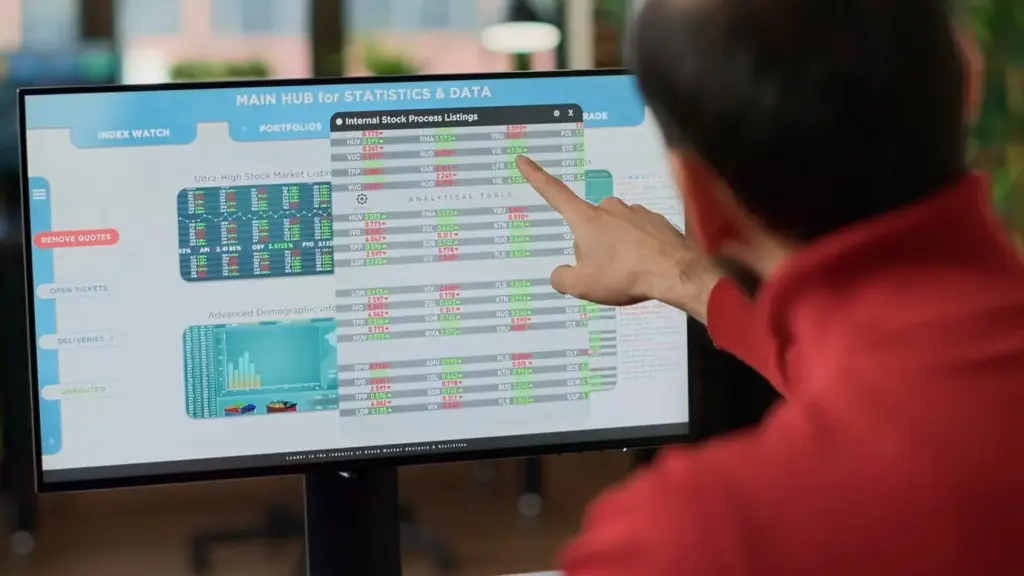
You cannot improve what you cannot see. Build dashboards that track order cycle time, pick rate per hour, on-time-fulfilled percentage, error rates, and return reasons. Layer in heat maps for late cutoffs and SKU velocity. With daily visibility, leaders shift from guesswork to action, balancing capacity and commitments with confidence.

Control Tower View for Today’s Work
Present today’s order count, backlog by priority, carrier cutoff countdowns, and picker workload on a single page. Highlight exceptions that threaten promises. When teams start shifts with the same view, coordination improves, interruptions drop, and everyone focuses on the few actions that drive outsized results immediately.
SKU and Channel Insights that Reveal Profit
Compare velocity, margin, and return rate by SKU and channel. Identify fragile combinations, packaging issues, or misleading product titles that cause confusion. With clear evidence, you adjust copy, kits, and replenishment, protecting profits while reducing avoidable touches that slow fulfillment and erode customer satisfaction over time.
Forecasting and What-If Scenarios for Readiness
Use historical seasonality and promotions to simulate tomorrow’s workload. Model impacts of one additional picker, different carrier pickup times, or alternate batching rules. Simple what-if analysis reveals bottlenecks before they appear, guiding pragmatic investments that raise throughput without committing to heavy, irreversible software migrations.
Reliability and Growth: Security, Scale, and Habits
As orders grow, discipline keeps operations smooth. Set permissions so only the right people edit sensitive sheets. Back up versions and log changes. Optimize performance with query tables, helper sheets, and careful formulas. Above all, nurture habits: weekly retrospectives, documented playbooks, and small, continuous improvements that multiply over months.
Right People, Right Access, Right Record
Restrict edit rights for pricing, inventory, and carrier rules while giving floor staff clean input views. Keep immutable logs of status changes with user and timestamp. These safeguards prevent accidental damage, ease audits, and ensure hard-won process knowledge survives vacations, turnover, and busy season pressures without drama.
Fast Sheets Even with a Million Rows
Archive completed orders to history tables, use QUERY to summarize, and prefer helper columns over deeply nested monsters. Replace volatile functions where possible and minimize cross-file dependencies. Snappy performance keeps staff engaged, eliminates spinner fatigue, and preserves confidence that the system will respond reliably during peak windows.
Teach the Team, Iterate Weekly, Celebrate Wins
Run short training sessions on scanning, statuses, and exceptions. Collect feedback from pickers about confusing columns or wasted steps. Ship small improvements weekly and celebrate measurable gains. This rhythm builds ownership, sustains momentum, and turns your spreadsheet into a living system that evolves with your customers.
Community and Next Steps: Build Momentum Together
Your voice makes this journey better for everyone. Share your best workaround, a painful bottleneck, or a proud success. We will turn real questions into practical templates and walkthroughs, helping small teams achieve big-league reliability. Stay close, experiment safely, and grow with peers who care about getting orders right.


All Rights Reserved.