Smarter Local Deliveries with Excel and Google Sheets


We dive into delivery route planning and scheduling for local small businesses using Excel or Google Sheets, translating messy address lists into clear, drivable sequences. You’ll learn pragmatic, low-cost methods, proven tricks, and friendly workflows that reduce miles, protect deadlines, and keep customers smiling, all inside familiar spreadsheets you already trust. Share your results, ask questions, and subscribe for fresh templates and checklists that keep your vans rolling smoothly every week.

Start with Clean Data

Before any optimization, reliable data wins the day. Build a tidy table with addresses, service times, delivery windows, vehicle capacities, and driver identifiers, then validate everything. When spreadsheets reflect reality, routes stabilize, promises hold, and fewer surprises derail your morning dispatch routine.

Build Efficient Routes in a Spreadsheet

Even without complex solvers, spreadsheets can shape sensible routes. By organizing stops geographically and iteratively refining sequences, you can cut miles and deliver earlier. Combine distance matrices, helper formulas, and thoughtful constraints to produce schedules drivers trust and managers can maintain daily.

Scheduling That Matches Real Life

Time windows and buffers

Collect promised windows carefully, then assign colored flags for tight, normal, and flexible stops. Add small default buffers to pre-rush-hour legs, and larger cushions around school zones. A sensible cushion beats heroics, and oddly, makes earlier deliveries more likely overall.

Driver shift templates

Create recurring templates for weekday, weekend, and holiday shifts, including start times, breaks, refueling windows, and expected stop counts. Templates shorten daily planning, protect rest, and help new hires understand expectations before their first busy Saturday swirls into chaos.

Handling urgent add-ons

When a last-minute order arrives, insert it with minimum ripple: prioritize by proximity, window compatibility, and vehicle capacity. A small helper formula can surface the best candidate route, while a quick message sets expectations and keeps everyone comfortably in the loop.

Automation with Formulas and Scripting

Light automation multiplies your effort. Use dynamic arrays, FILTER, SORT, UNIQUE, and LET in modern Excel, or comparable QUERY, FILTER, SORT, and custom Apps Script functions in Google Sheets. Where needed, lean on Power Query, Office Scripts, or VBA to connect, clean, and refresh with confidence.

Reusable formulas for sequencing

Build a stop order using helper columns that calculate feasible earliest starts, travel deltas, and late penalties. Then let a compact formula assemble an ordered list by score. Transparency beats black boxes, so drivers can review logic and trust your spreadsheet.

Buttons that run optimizations

Add a simple button that triggers Apps Script in Sheets or Office Scripts in Excel to refresh data, recompute matrices, and distribute updated routes. One click can replace ten manual steps, leaving more time for checklists, calls, and good coffee.

Automatic map links for drivers

Create clickable links that launch Google Maps or Apple Maps with sequenced stops, prefilled addresses, and notes about entrances or elevators. Drivers appreciate fewer taps, reduced typing, and answers ready when a customer asks for special delivery instructions at the door.

Live Operations and Communication
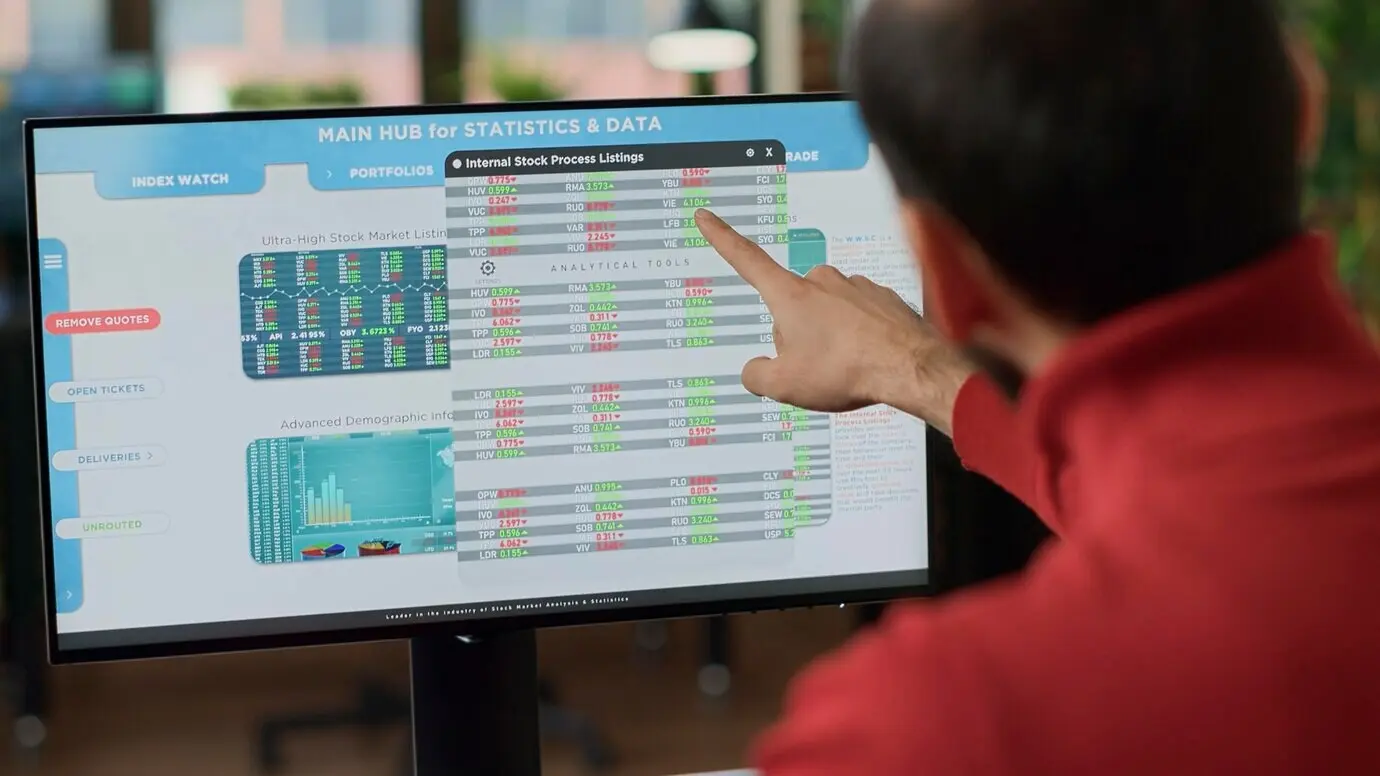
On delivery day, clarity wins. Maintain a shared dispatch sheet that tracks status, driver location notes, and exceptions, while color-coding risks. Share a lightweight mobile view, invite replies, and confirm arrivals. Simple, honest communication prevents escalations and makes delays understandable, not infuriating.

Measure, Learn, Improve

What gets measured gets kinder to your margins. Track on-time percentage, first-attempt success, cost per stop, miles per route, and variance from planned times. Review weekly with drivers, celebrate wins, and invite ideas. Small experiments compound into durable operational excellence quickly.

KPIs that matter

Pick a small set that reflects reality, not vanity. On-time delivery rate by window, miles per completed stop, first-time success, average dwell time, and late causes by category reveal actionable problems. Use sparklines and color scales to visualize trends everyone instantly understands.

Simple experiments for better routes

Run a one-week trial clustering by postal codes versus neighborhood names, or test earlier staging of frozen goods. Measure miles, lateness, and customer comments. Publish results to the team. Curiosity stays high when everyone sees evidence rather than arguments or assumptions.

Turn feedback into improvements

Invite drivers to flag tricky entrances, elevator delays, or security gates directly in the sheet. Tag recurring issues, update notes, and adjust buffers accordingly. Customers notice the difference when last week’s obstacle becomes this week’s confident, well-timed knock at the door.
Zofezuraxirezi
Privacy Overview

This website uses cookies so that we can provide you with the best user experience possible. Cookie information is stored in your browser and performs functions such as recognising you when you return to our website and helping our team to understand which sections of the website you find most interesting and useful.